
Learn to orchestrate and automate your enterprise processes with UiPath
Maestro Orchestrate
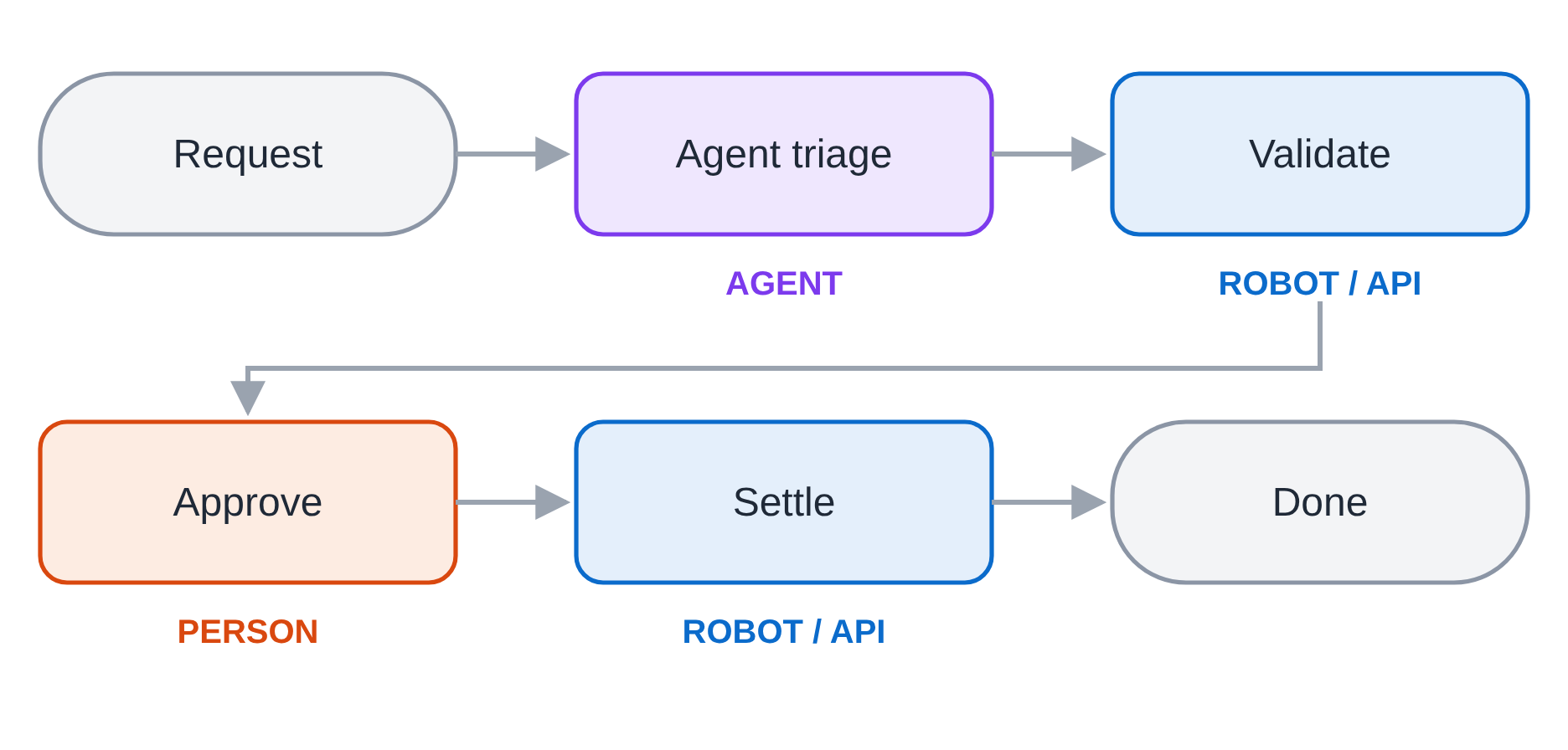
Run each business process end to end, from the first request to the last approval. Maestro Orchestrate holds the case, applies the rules, and calls the right worker for every step: an agent, a robot, an API, or a person in their Inbox.
Démarrer avec UiPath
Use Cartographer to map a process and publish it
Orchestrate an end-to-end business process across people, agents, and robots
Connect APIs and agents in a quick workflow
Automate an app without an API in Studio
Train a model to read invoices, forms and emails
Sujets populaires
Interact with UI elements in desktop applications and web browsers
Install Studio on Windows or macOS
Autoriser le trafic réseau requis pour Automation Cloud
Build chat and voice agents for real-time, multi-turn conversations
Install Cartographer and set up your UiPath account to get started
Nouveautés
What's new in Automation Cloud
Build UiPath automations with Claude Code, Cursor, or Codex CLI
Build, test, and deploy from one command-line tool
Map how work really runs, with the Cartographer agent
Hand off desktop work to an AI agent, in plain language
Documentation index
