UiPath Documentation
test-manager
2024.10
false
重要 :
新发布内容的本地化可能需要 1-2 周的时间才能完成。
UiPath logo, featuring letters U and I in white

Test Manager 用户指南

上次更新日期 2026年4月21日

Assigning test cases to requirements

You can assign a test case to a requirement on the Test Cases page.

  1. 在 Test Manager 中打开项目。如果您还没有项目,请参阅创建项目

  2. 在左侧导航面板中,转到“测试用例”。

    单击测试用例键以将其打开。

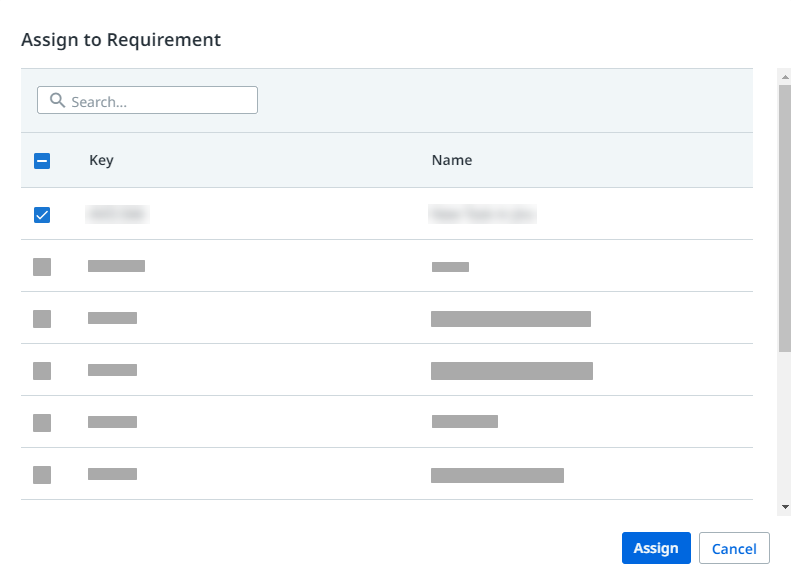
  3. Click Tasks and select Assign to Requirement from the dropdown list.

  4. 选择要分配给测试用例的需求。 您可以将其分配给单个或多个需求。

    文档图像

  5. 单击“分配”以保存更改。或者,您可以在需求页面中查看已分配给需求的测试用例。

此页面有帮助吗?

连接

需要帮助? 支持

想要了解详细内容? UiPath Academy

有问题? UiPath 论坛

保持更新