# Enabling Insights
> Insights is an RPA analytics solution through which you can measure and visualize the business impact of your automations.
## What is Insights?
Insights is an RPA analytics solution through which you can measure and visualize the business impact of your automations.
For more information on how to make data-driven decisions across your organization, check [UiPath Insights](https://www.uipath.com/product/rpa-insights).
## Enabling Insights in Automation CloudTM
Access to Insights is granted at the tenant level. A user with administrator permissions on Automation CloudTM can enable Insights for a tenant using the following steps:
1. Navigate to your respective Automation CloudTM URL and log in with your UiPath® account.
2. From the left navigation pane, select the **Admin** option.
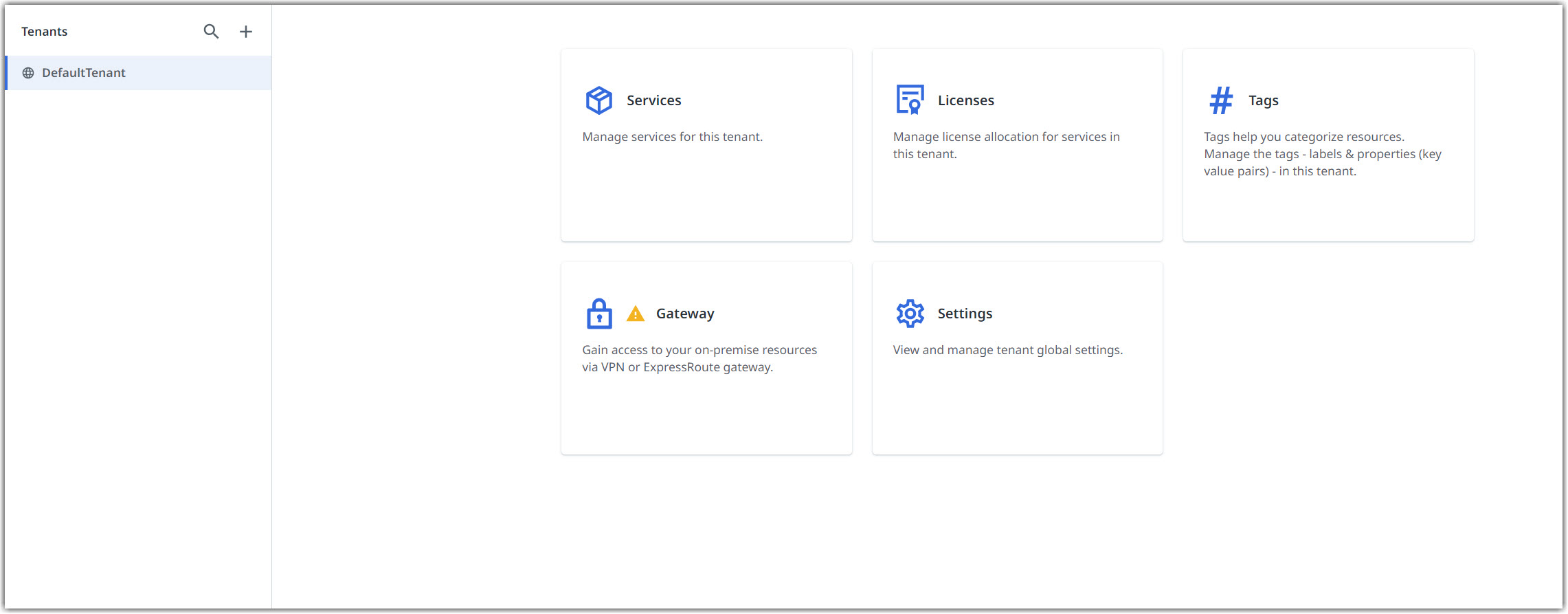
3. Under the **Tenants** context menu, find the tenant you want to enable Insights for, and select **Services**.
4. Select the three-dot **⋮** menu from Insights, and select **Enable**.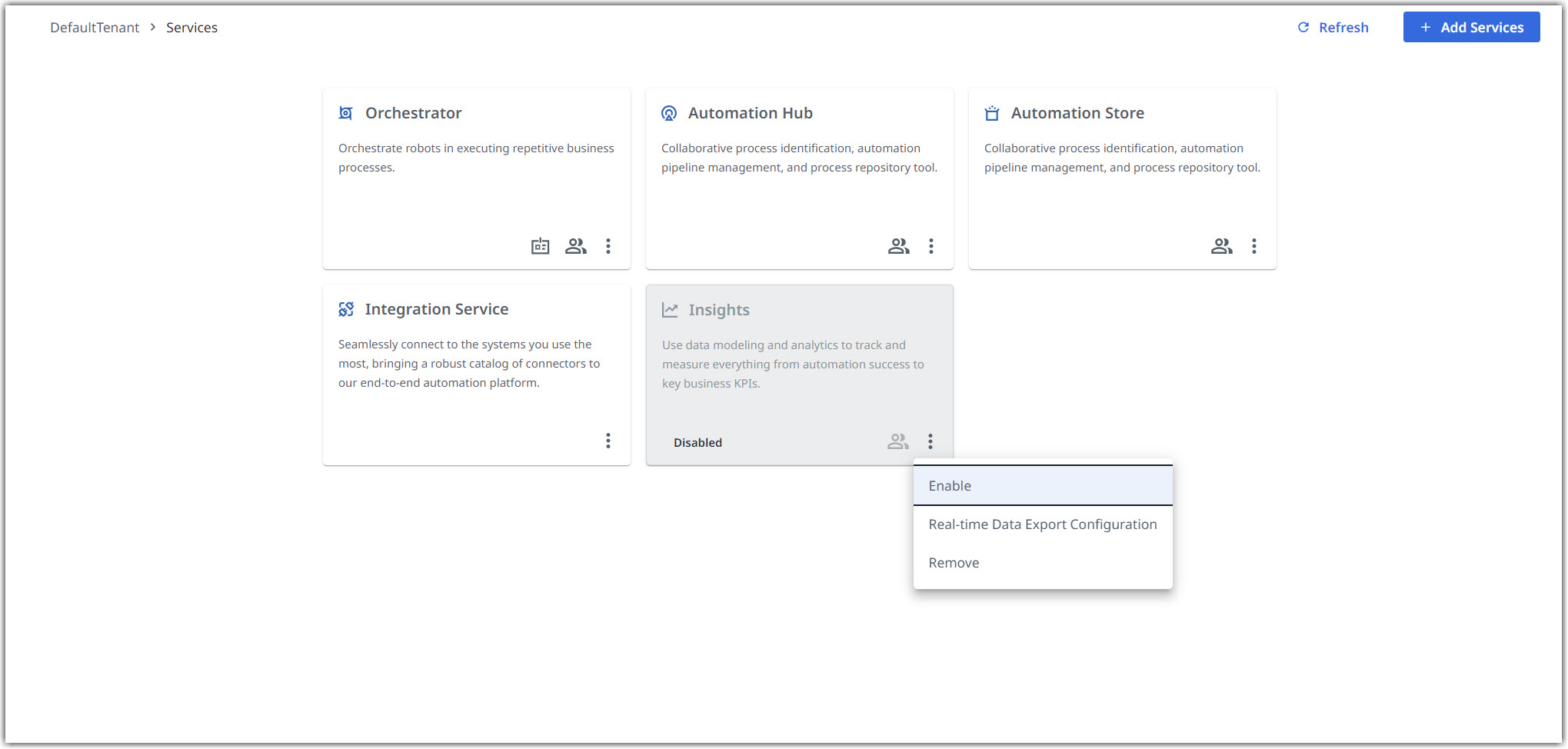
5. A confirmation message is displayed and from the left navigation menu, you should be able to select **Insights** within 1-2 minutes.